Victron Energy
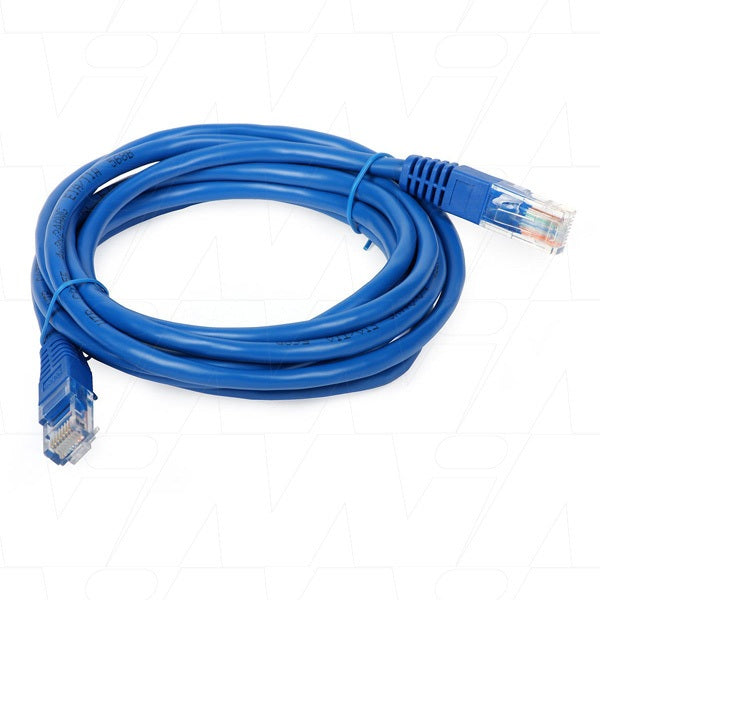
Victron RJ45 UTP Cable — VE.Bus & VE.Can, for Cerbo GX to MultiPlus & Quattro
Victron RJ45 UTP Cable — VE.Bus & VE.Can, for Cerbo GX to MultiPlus & Quattro
Couldn't load pickup availability
The cable that carries VE.Bus and VE.Can between Victron devices. Use it to connect a Cerbo GX to a MultiPlus or Quattro, to daisy-chain inverter/chargers in a parallel or split-phase bank, and to link VE.Can devices such as the Lynx Shunt.
How many do I need?
For a VE.Bus system the rule is simple: one cable per inverter/charger.
- One MultiPlus — 1 cable, inverter to Cerbo GX
- Two MultiPlus (split-phase or parallel) — 2 cables: one linking the two units together, one from the pair to the Cerbo GX
- Three units — 3 cables, and so on
Each MultiPlus and Quattro has two VE.Bus RJ45 ports so the units chain unit-to-unit, then a single cable runs from the end of the chain to the Cerbo's VE.Bus port.
Choosing a length
Measure the route the cable actually takes — around corners, through gland plates and along trunking, not the straight-line distance. Add roughly 20% for strain relief and a service loop, then round up.
- 0.3–0.9 m — unit-to-unit links between inverters mounted side by side
- 1.8–3 m — inverter to a Cerbo on the same board or an adjacent panel
- 5–10 m — Cerbo mounted in a helm, cabin or living space away from the power compartment
- 15–30 m — long runs between compartments or decks
Specifications
- Connectors: RJ45 (8P8C) straight, both ends
- Cable: UTP, straight-through wiring
- Use for: VE.Bus and VE.Can
- Genuine Victron Energy part
Although these are physically standard RJ45 patch leads, use the genuine Victron part for VE.Bus — crossover or non-standard pinouts will not work, and VE.Bus carries power as well as data. Do not substitute a VE.Direct cable; that is a different connector (RJ12) and a different protocol.
Share